Where to Change Terms of Service?
For the platform
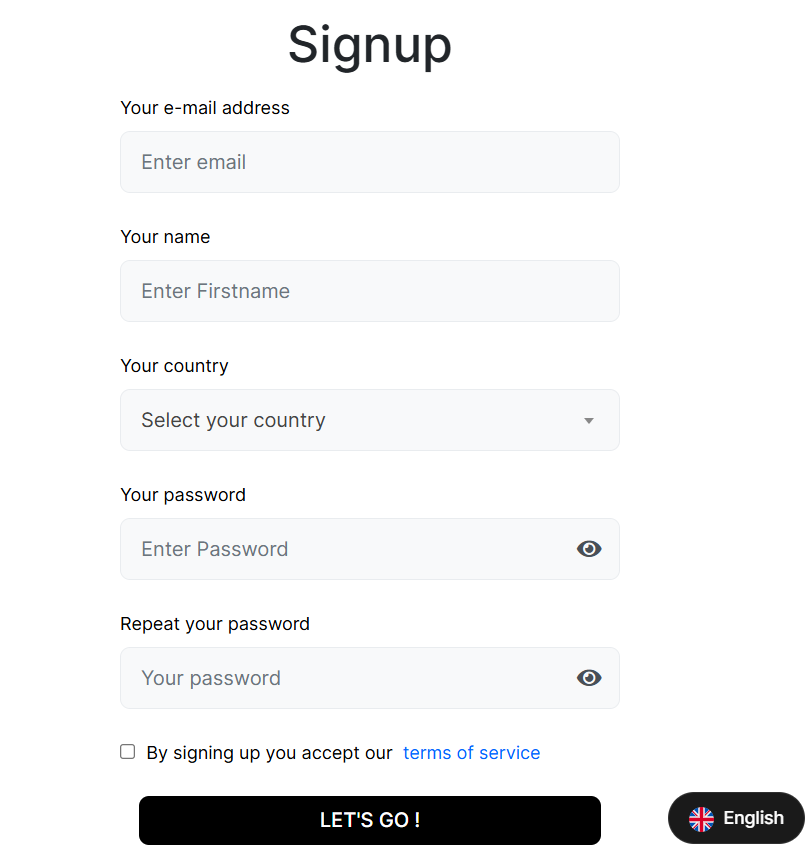
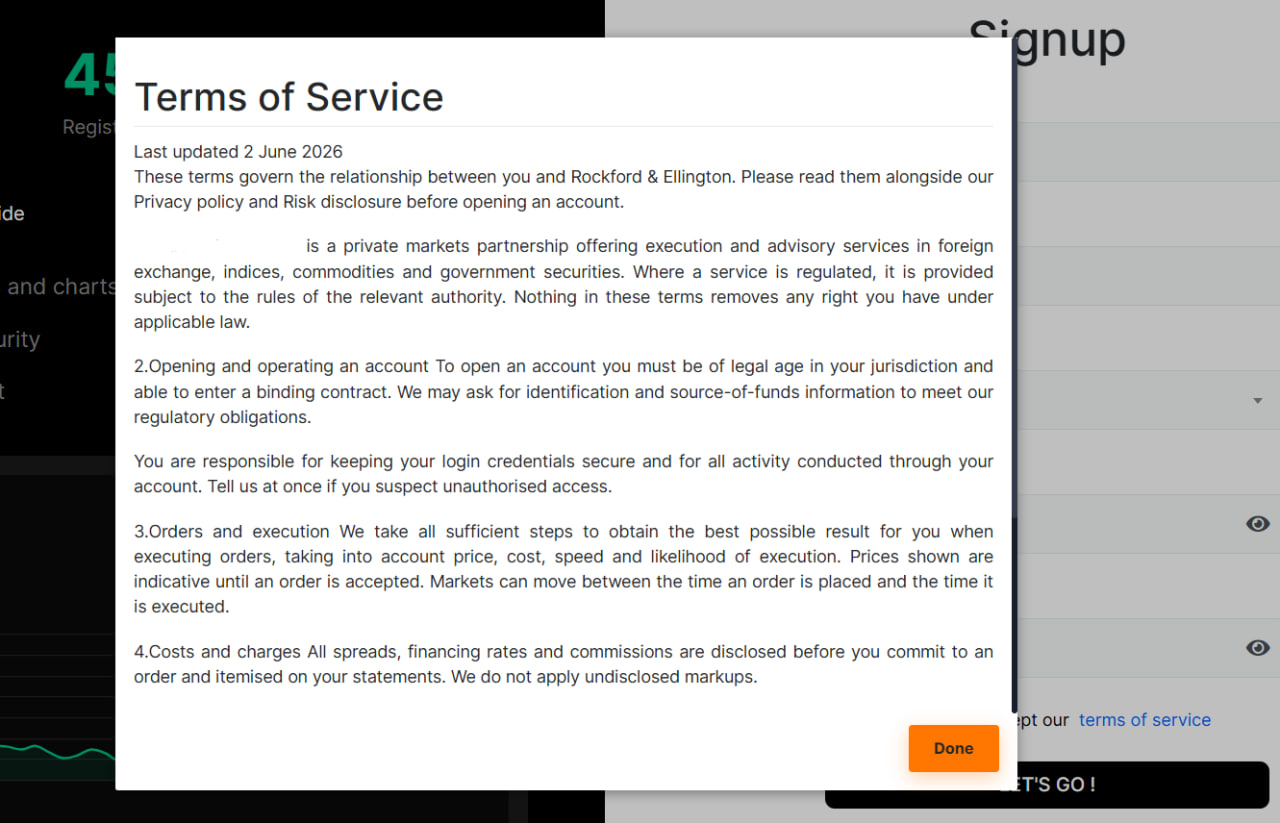
IN THE CRM
1. Go to the "Setup".

2. Find "Admin Platform", go to the "General" section and choose "Email Settings".
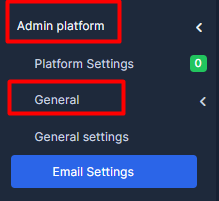
3. Go to "Legal Pages" and fill in the information in the "Terms of Service" form.
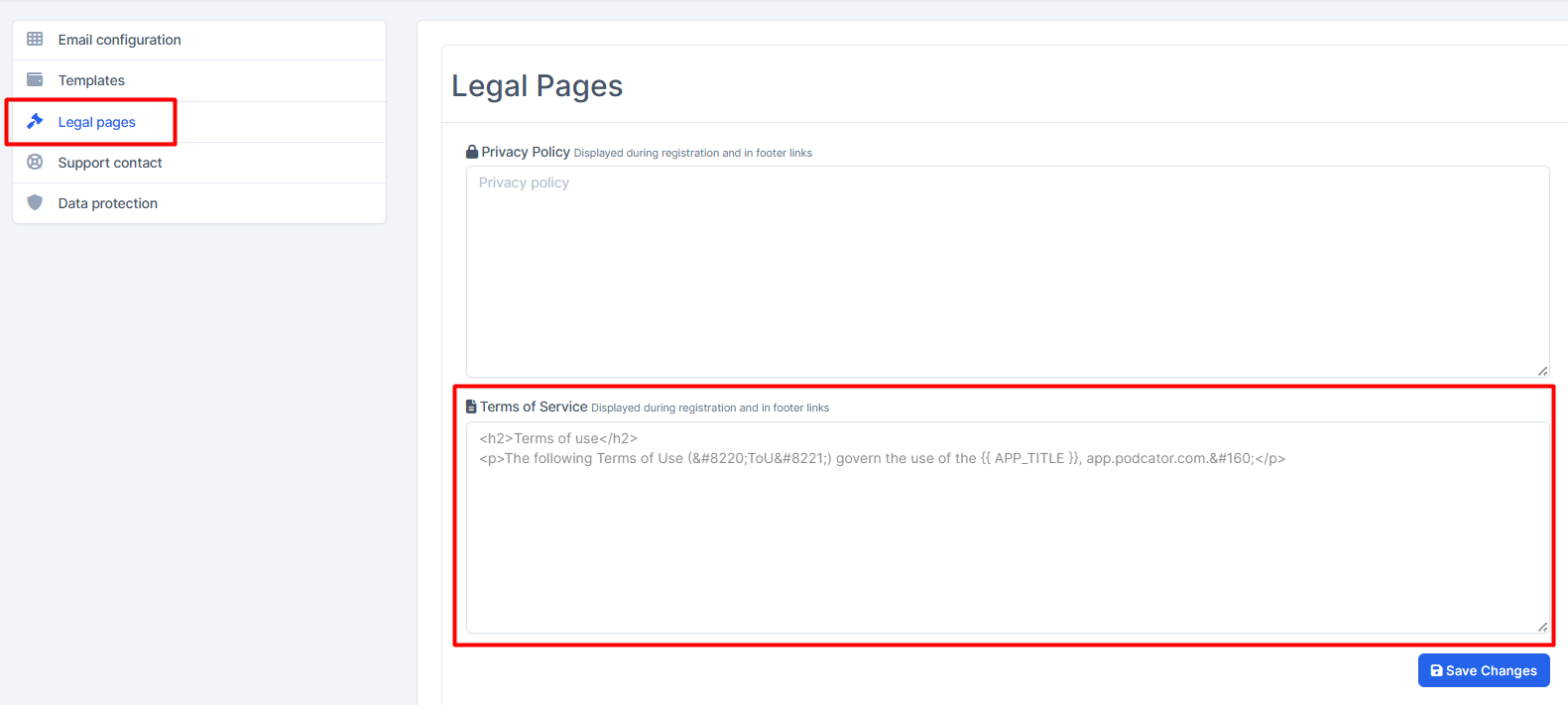
4. Press on "Save Changes" once done.
Where to Change Terms of Service?
For the website
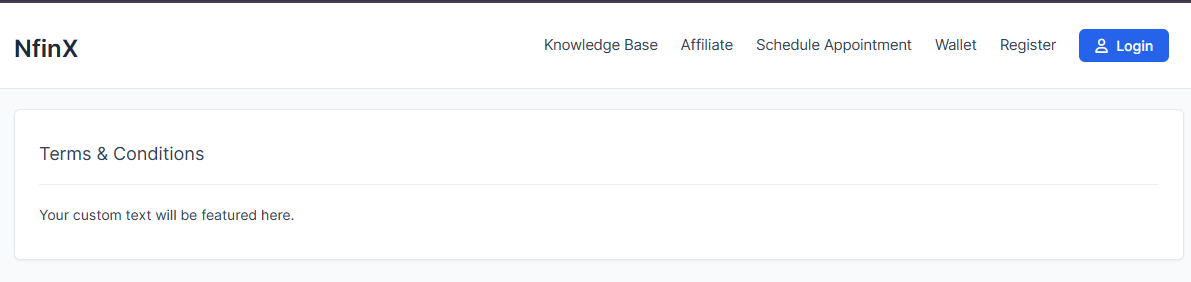
IN THE CRM
1. Go to the "Setup".
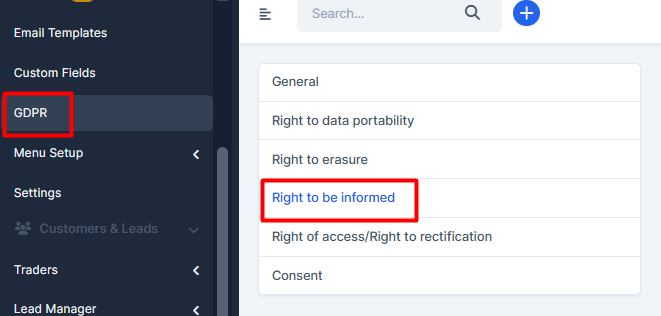
2. Find "GDPR" and choose "Right to be informed".
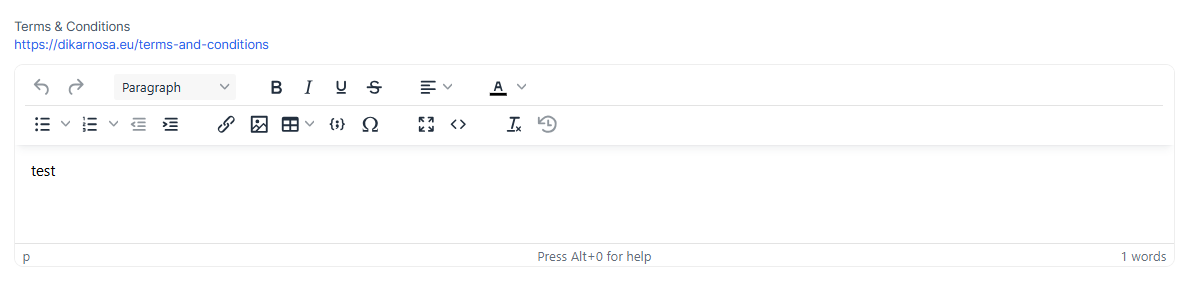
3. Go to "Terms of Service" and insert your custom text.
4. Press on "Save Changes" once done.