Where to Find Default SPOT Currency?
IN THE CRM
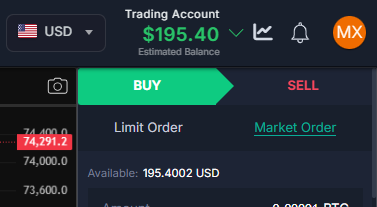
Those settings will define the general currency for the SPOT for the newly created accounts. This is the estimation currency.
1. Go to "Setup" in the settings panel on the left side of the CRM.

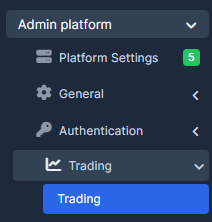
2. Choose "Admin Platform", select "Trading" tab and press on "Trading".
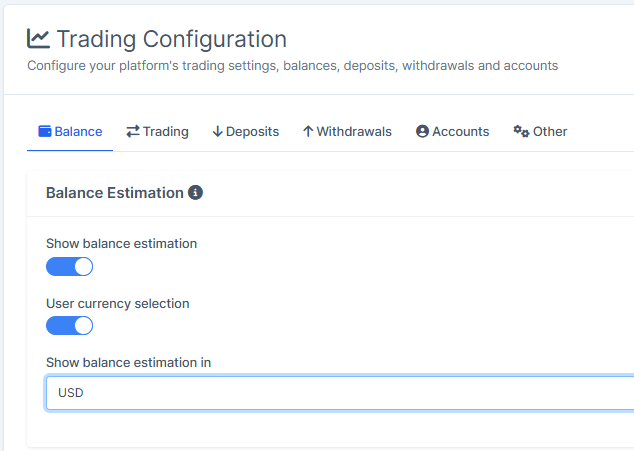
3. Go to "Balance" tab and choose the currency the balance estimation should be in.
4. Once done, press on "Save Changes" to remember the choice.