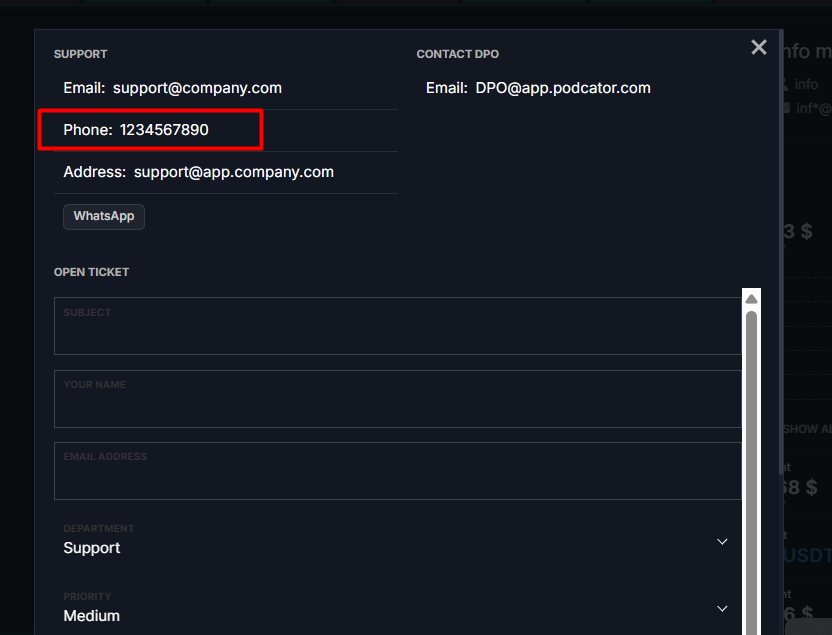
Where to Update the Support Number on the Platform?
Enabling the Automated Emails
IN THE CRM
1. Go to "Setup" in the left menu.

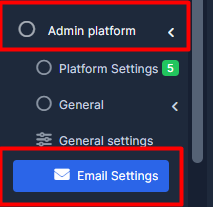
2. Select "Admin Platform" and choose "Email Settings".
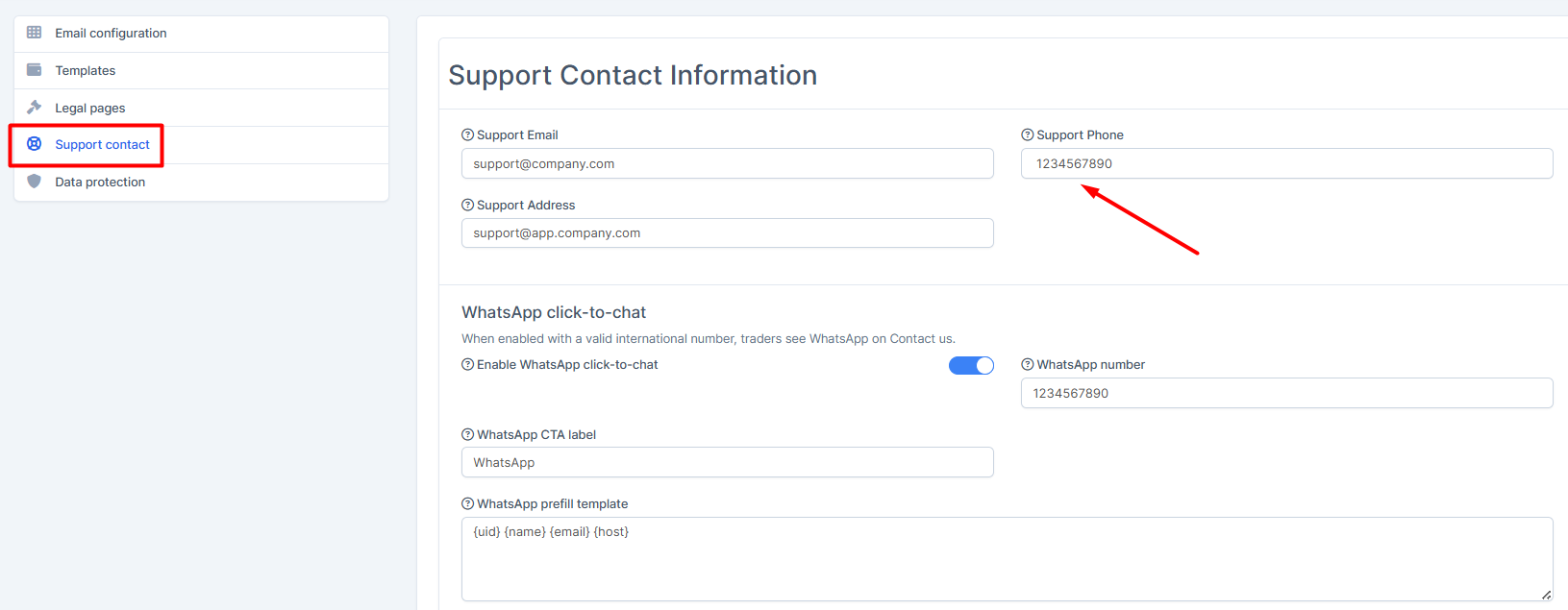
3. Choose "Support contact" and add in the number to "Support Phone".
4. Press on the "Save Settings" to remember the action.
Where to Check the Result?
ON THE PLATFORM
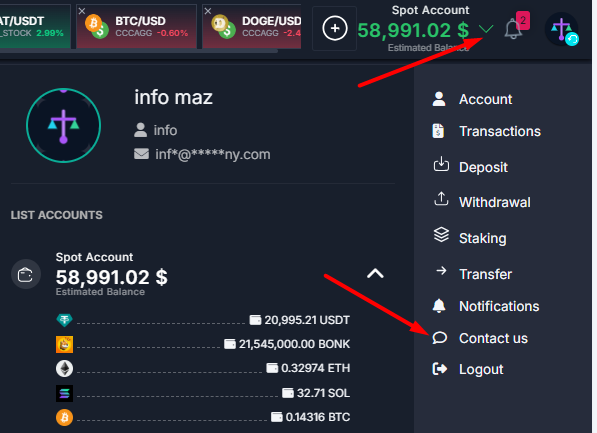
1. Go to the platform account and press on the arrow by the account type. Press on "Contact Us".
You will be able to see the phone information here.