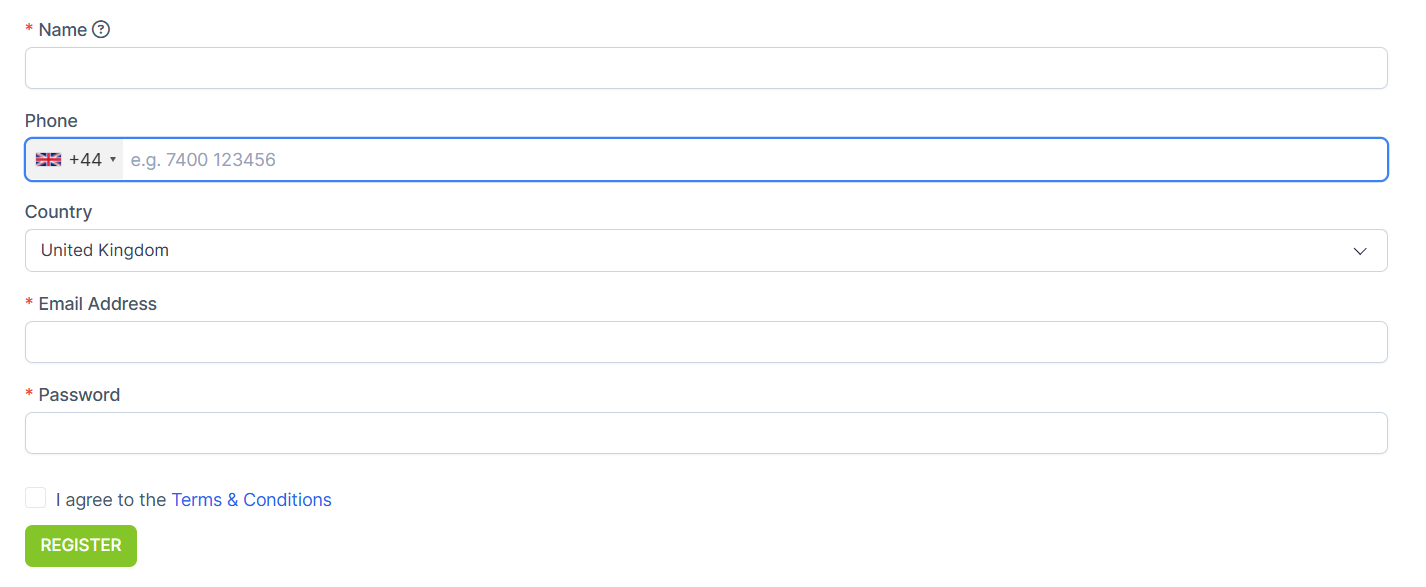
How to Add Fields to the Registration on the Website?
As the website is made you might want to add other fields of the registration to the form
IN THE CRM
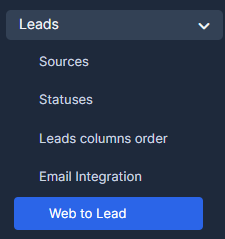
1. Go to "Setup" in the crm in the menu on the left side of the page.

2. Choose "Leads" and select "Web To Lead".
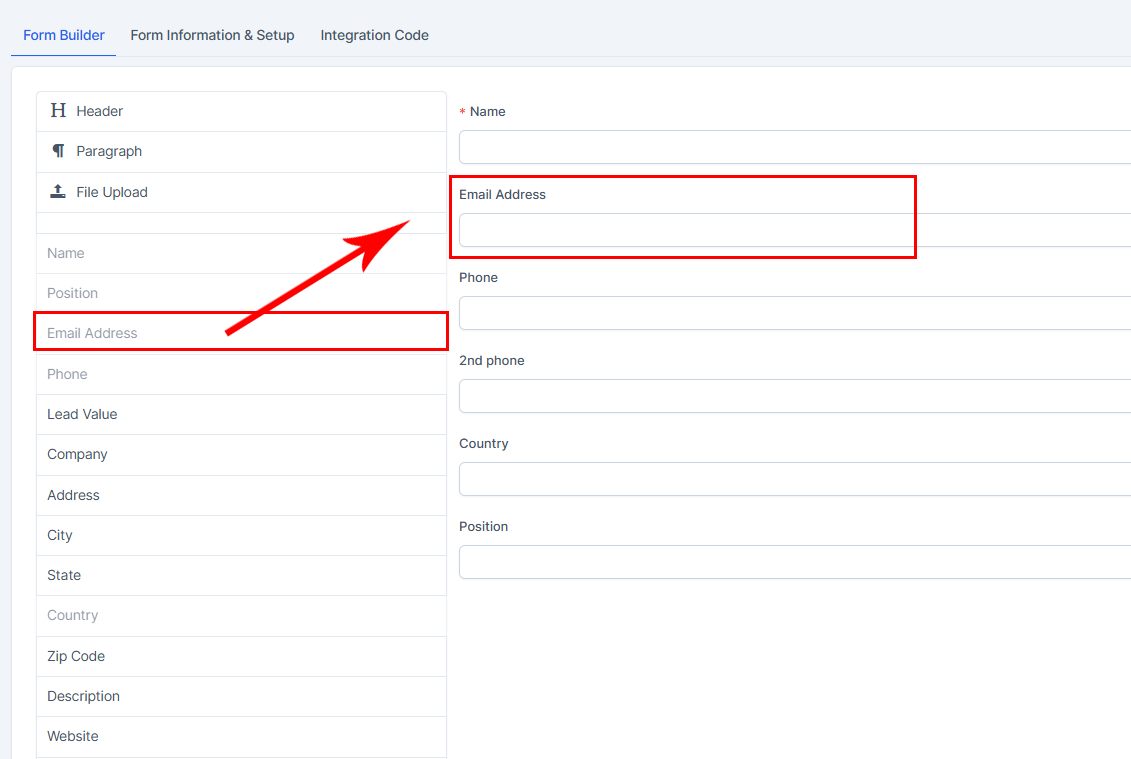
3. Choose "Registration" and select "Edit".

4. Select a required for your form section and drag it to the right.
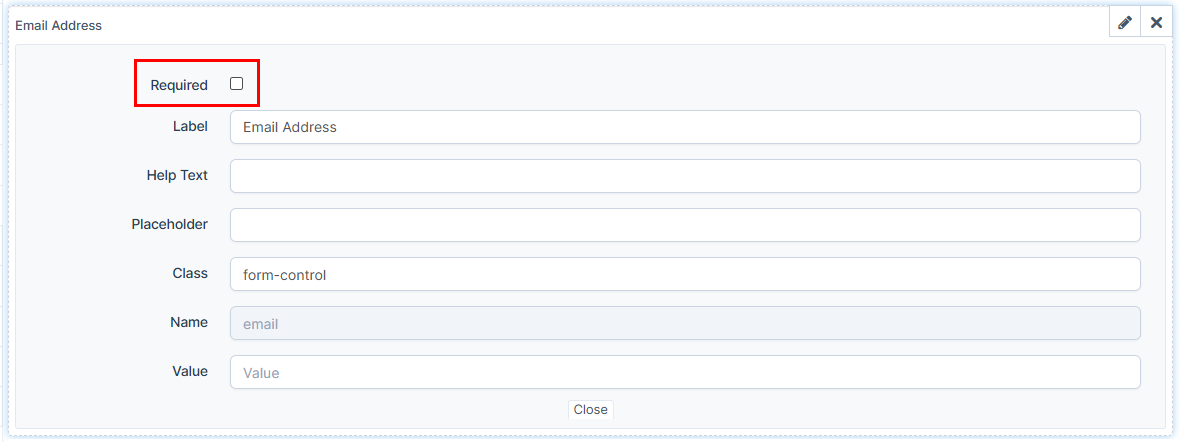
5. By pressing on "Edit" you can edit the section. Particularly if the section is going to be required (marked with *) during the registration.

You may find this article useful: