How to Check the API Logs?
IN THE CRM
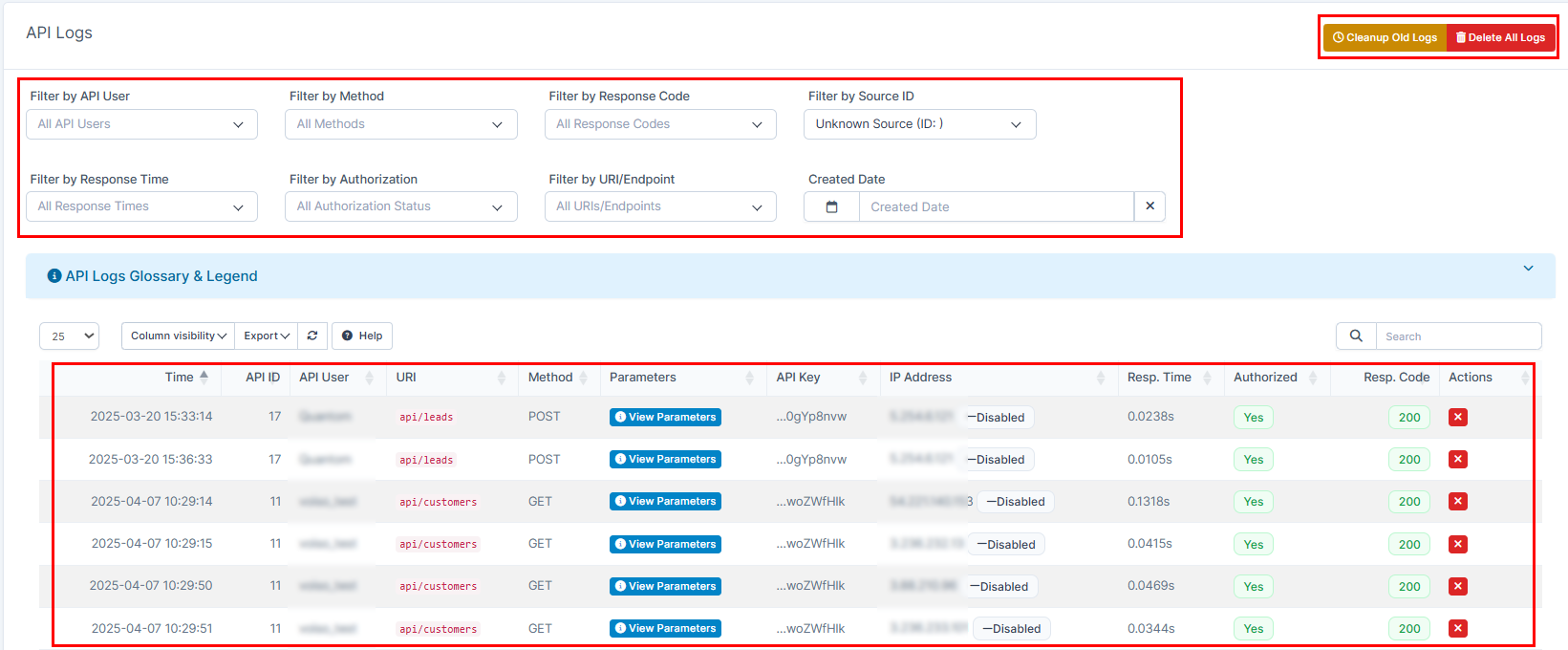
API logs is a perfect tool for your crm that will allow you to track the lead's origin, posting method, etc.
The articles you may find useful for you:
How to Create a New Affiliate?
How to Check Staff IP or Email Activity?
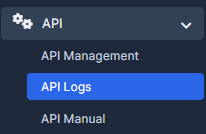
1. Choose "API" on the left in the menue and press on "API Logs".
2. By the stats of leads tracking according to the source, IP, method, etc, you're also able to use the "Filter" on this page. And if needs, you can get rid of this infomation by using "Cleanup Old Logs" and "Delete Old Logs" buttons.