How to Check Staff IP or Email Activity?
IN THE CRM
This setting will help you to see the detected logins by IP or emails
The articles you may find useful for you:
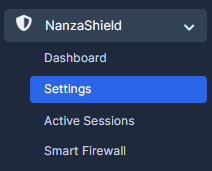
1. Choose "Nanza Shield" on the left in the menue and press on "Settings".
2. Follow to "Whitelist IP/Email Settings".

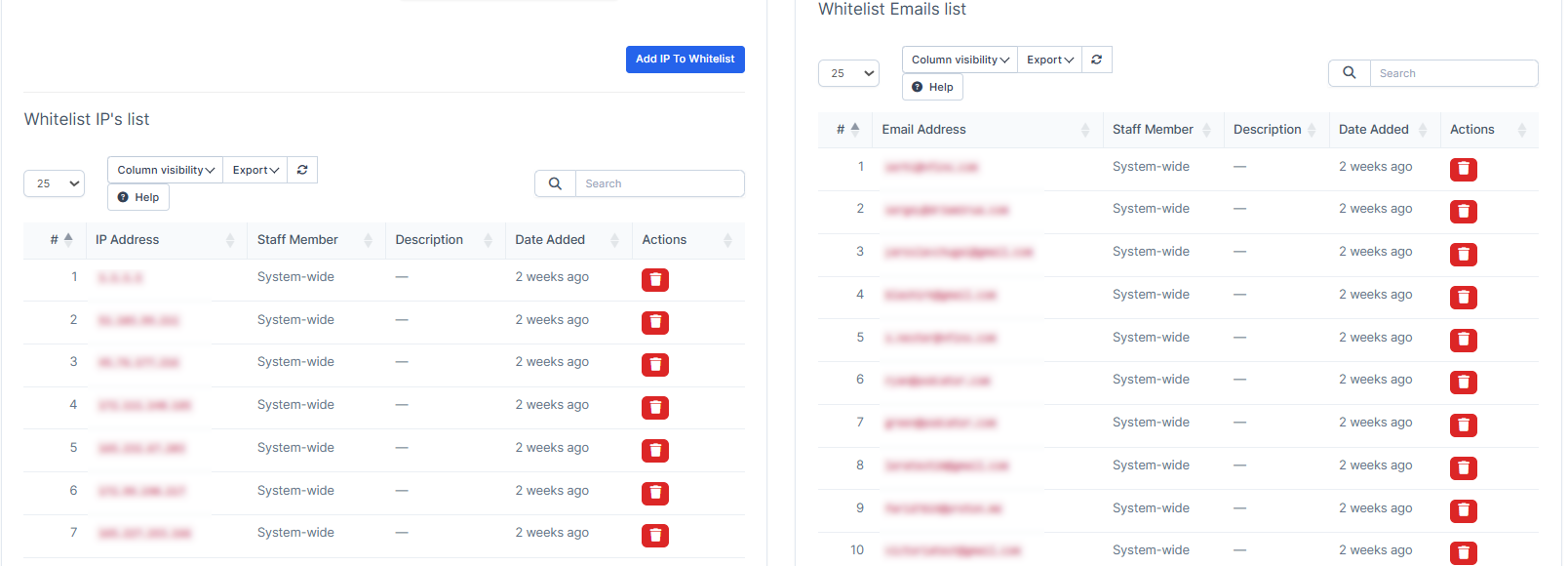
3. Scroll down to view activity. You will be able to see two lists of the "Whitelist IP list" and "Whitelist Email list".