How to Check Activity Log?
IN THE CRM
Activity Log tool is useful to check the activity of your staff members, chat, updates, click to call operations, login activity, user being added/deleted, email sending, etc.
You may find this article useful:
How to Check Staff IP or Email Activity?
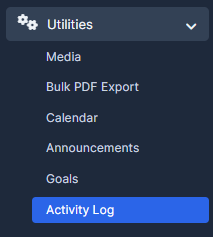
1. Go to "Utilities" and choose "Activity Log".
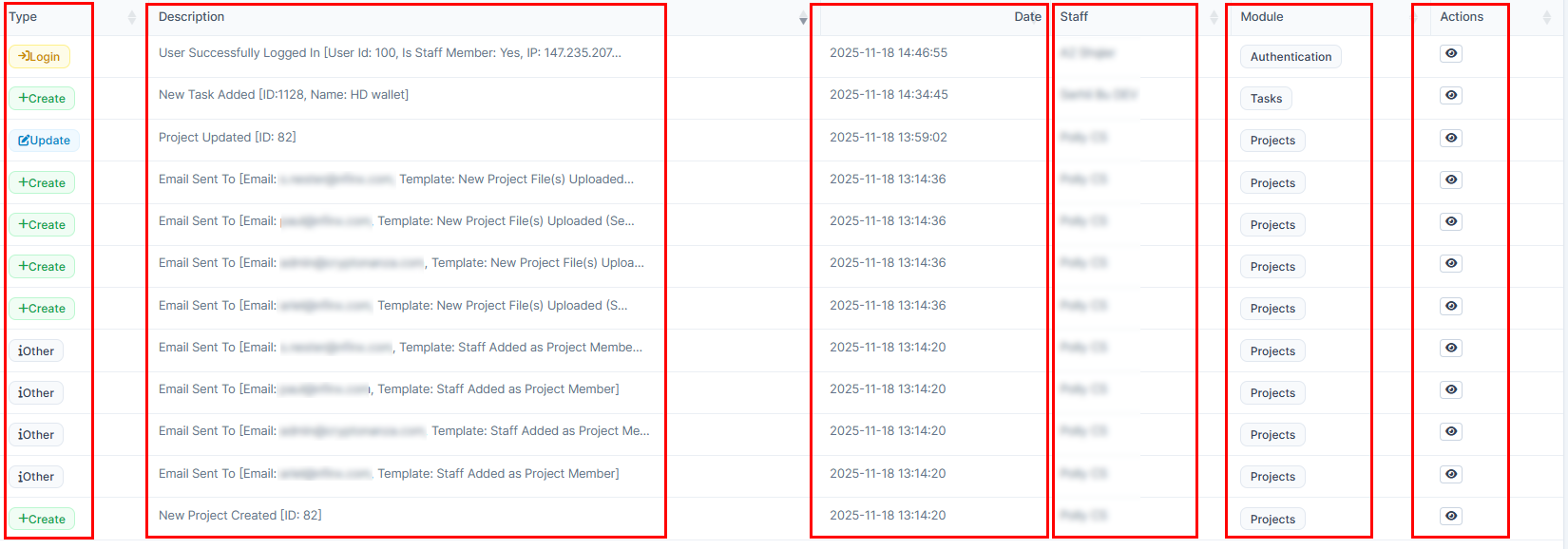
2. You will be able to view "Type" of the activity, short "Description" of the action, the actual "Date" of the action, the "Module" responsible for the action, and "Actions" itself.
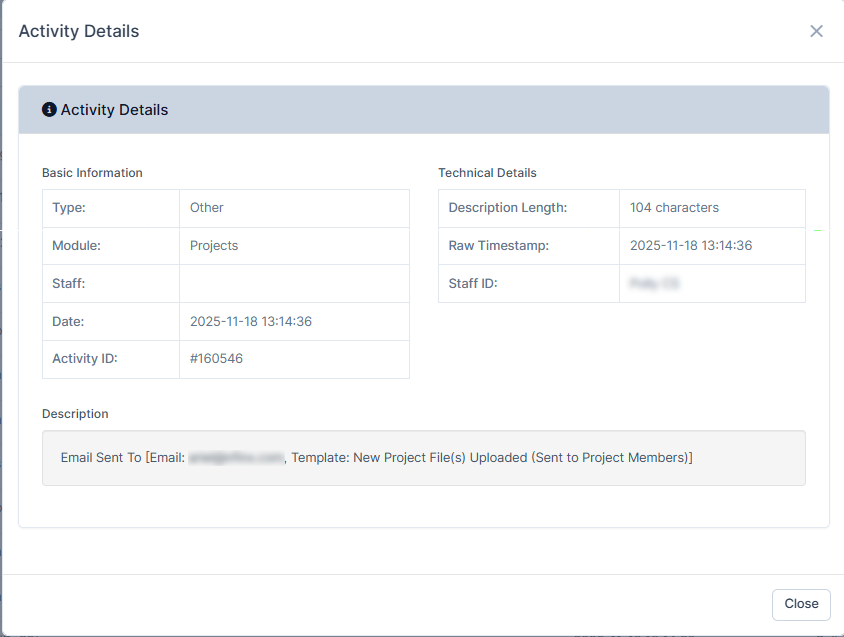
3. By pressing on the last one, "Actions", you will be able to view some more information about the action.